
TLDR: SEO is still the big umbrella: it is how you make your site findable, trustworthy, and worth clicking on in search. GEO is a newer label for a slice of that work, focused on how AI tools and answer boxes read, understand, and cite your content. If you keep doing solid SEO and structure your posts clearly, you are already doing the most important GEO work.
You keep hearing new acronyms, and none of them are paying your bills.
You have a Showit site, you blog when you can, and now people are yelling about AI search, GEO, AEO, and “the death of SEO”.
This article is here to do two things for you:
Explain the difference between SEO and GEO in plain language.
Then turn that into a simple, realistic blogging workflow you can actually follow with your limited time.
Let’s clean this up.
SEO vs generative engine optimization in one sentence
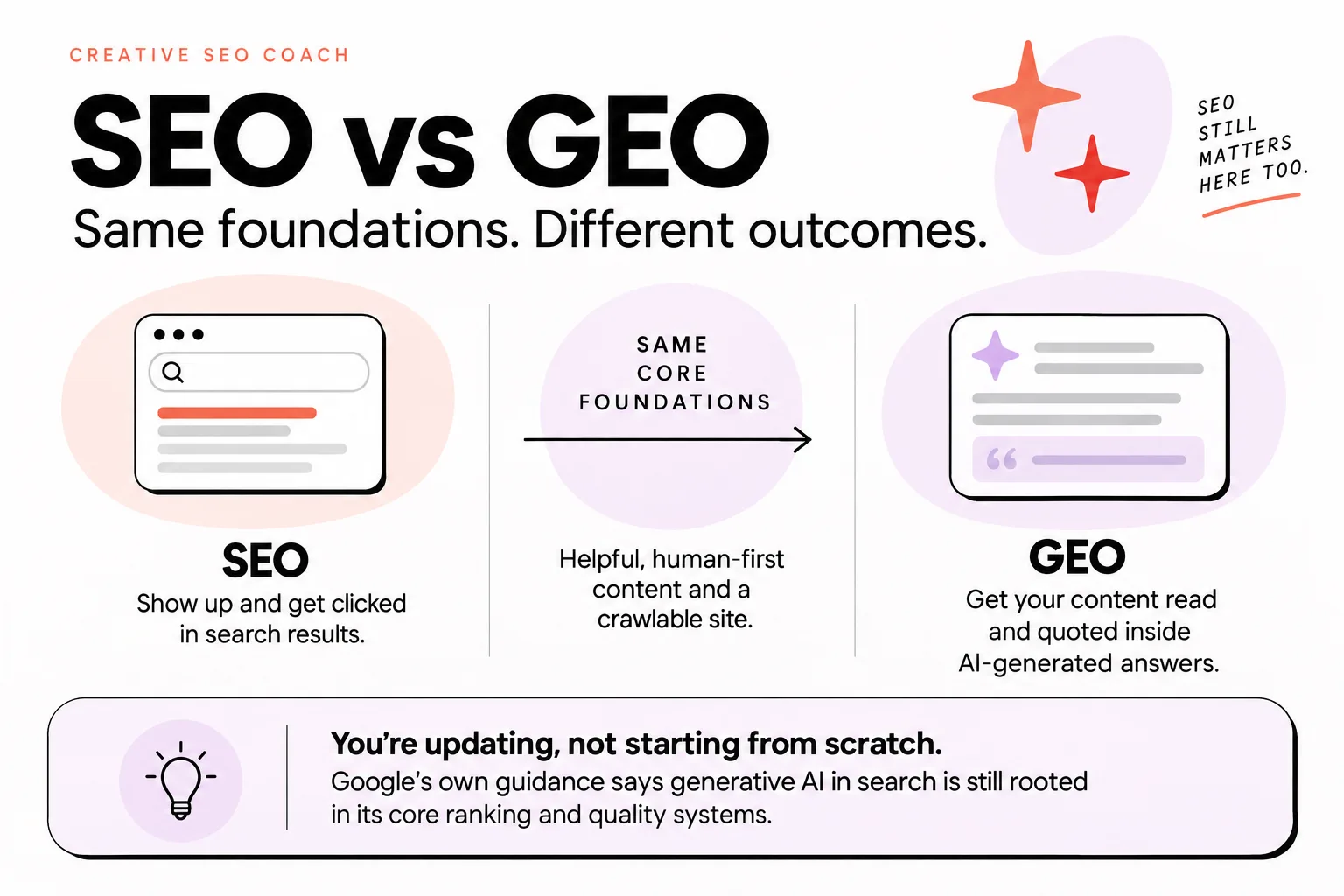
SEO is about helping your pages show up and get clicked in search results, while GEO is about getting your content read and quoted inside AI-generated answers, which still relies on the same core SEO foundations.
Google’s own guidance on generative AI in search says it is still rooted in its core ranking and quality systems.
That means everything you already know about making helpful, human-first content and a crawlable site is still what AI features sit on top of.
So you are not starting from scratch.
You are updating, not burning it all down.
What is SEO, now?
Right now, SEO means creating helpful, trustworthy content that matches real search intent, and structuring your site so both humans and bots can understand it.
That includes:
- Clear topics and keywords that match what people actually type or say.
- On-page basics like titles, headings, alt text, internal links.
- Technical pieces like mobile-friendly pages and crawlable content.
- Proof that you know what you are talking about, not thin filler.
The big shift is what happens after you show up.
When an AI Overview appears above traditional search results, the page in the top organic spot gets a 58% lower average clickthrough rate on average.
So ranking a page is not the full story any more.
You want:
- To still show up as a traditional result people can click.
- To be a source AI tools feel confident pulling from and citing.
Most experienced specialists still call this whole mix “SEO”.
GEO-style work is seen as part of SEO, not some separate paid add-on you now “have” to hire for.
I see SEO as even more important as AI grows, because the bar for “actually helpful” and “actually clear” keeps rising.
If you ever feel like your older notes or courses on blogging feel dated, you are not wrong.
The world has moved.
SEO is still the umbrella, it just stretches over more types of search now.
Look for people who understand that and are actively keeping up with AI changes, not people selling you a shiny new label.
What is generative engine optimization? (GEO)
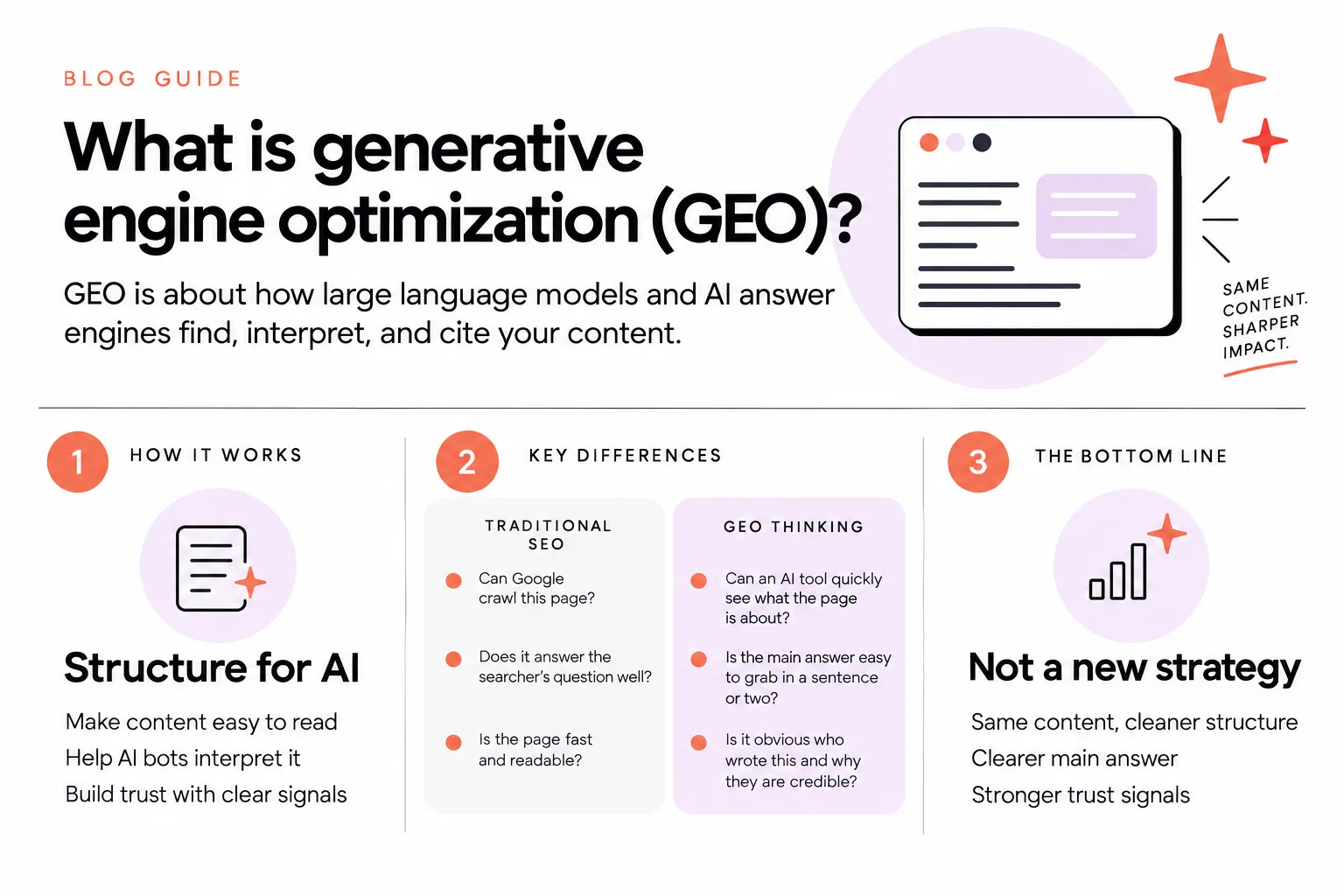
GEO is about how large language models and AI answer engines find, interpret, and cite your content.
In practice, that means structuring and optimizing your content so AI bots can easily read and trust it.
Think of it this way.
Traditional SEO cared about:
- “Can Google crawl this page?”
- “Does it answer the searcher’s question well?”
- “Is the page fast and readable?”
GEO-type thinking zooms out a bit:
- “If an AI tool scans this, can it quickly see what the page is about?”
- “Is the main answer easy to grab in a sentence or two?”
- “Is it obvious who wrote this and why they are credible?”
So GEO is not magic.
It is your same content, but:
- Cleaner structure.
- Clearer main answer.
- Stronger signals that you are a trustworthy source.
I see GEO as really about structuring and optimizing content for AI bots, which has always been a big part of SEO anyway.
SEO has always been about getting the structure right so bots can read and understand content as well as humans.
So when someone calls themselves a “GEO specialist”, it often just means they are putting a trendy word on work that lives inside SEO.
Sometimes it also means they are new to the industry and do not realize how much of this is already standard, unglamorous SEO.
The point for you: you do not need a whole new strategy.
You need to sharpen what you are already trying to do.
SEO vs GEO: key differences that matter for you
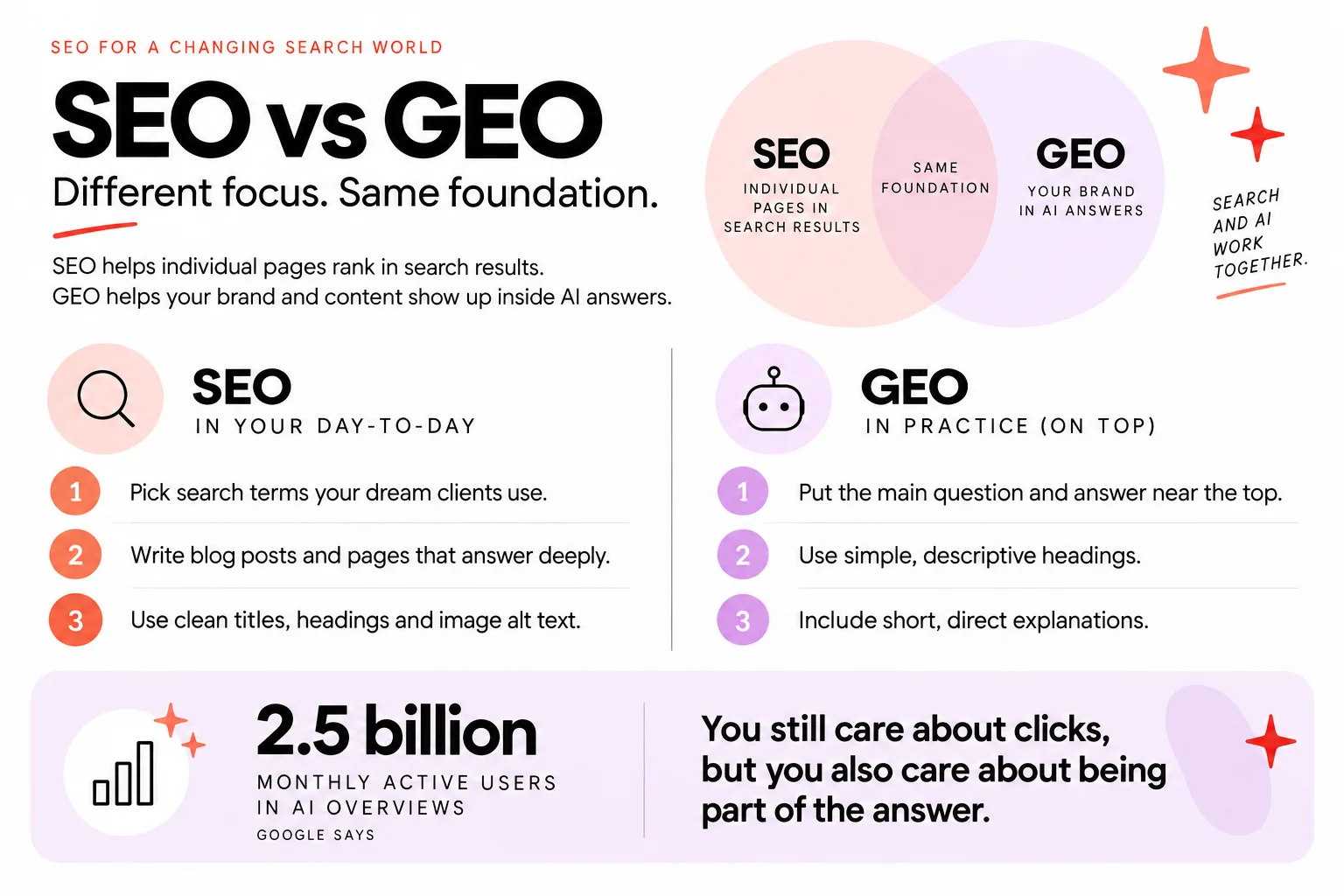
SEO focuses on ranking individual pages in search results, while GEO is a newer label for helping your overall brand and content show up inside AI answers.
But they rely on the same foundation.
Here is what actually changes for you.
SEO, in your day-to-day, looks like:
- Picking search terms that match what your dream clients type.
- Writing blog posts and pages that answer those searches deeply.
- Making sure Showit is set up with clean titles, headings, and image alt text.
- Getting links and mentions from other relevant sites.
GEO, in practice, layers on top:
- Making the main question and answer in a post extremely clear near the top.
- Using simple, descriptive headings that help AI “skim” the page.
- Including short, direct explanations that are easy for AI to summarize.
- Making your brand and expertise visible on the page, not hidden in a footer.
You still care about clicks, but you also care about being part of the answer.
And search is not small.
Google says AI Overviews now have over 2.5 billion monthly active users.
So yes, those AI features are where a lot of eyeballs are.
Here is the thing I want you to hear:
You do not need to juggle three separate strategies called SEO, GEO, and AEO.
Most of this is just good SEO evolving as search adds more AI layers.
When you make a new post, you are not asking “Do I optimize this for SEO or GEO?”
You are asking:
“How do I write this so my dream client understands it, and so both Google and the AI tools can clearly see what it is about and why it is helpful?”
If you do that, you are doing the important parts of both.
Will GEO replace SEO?
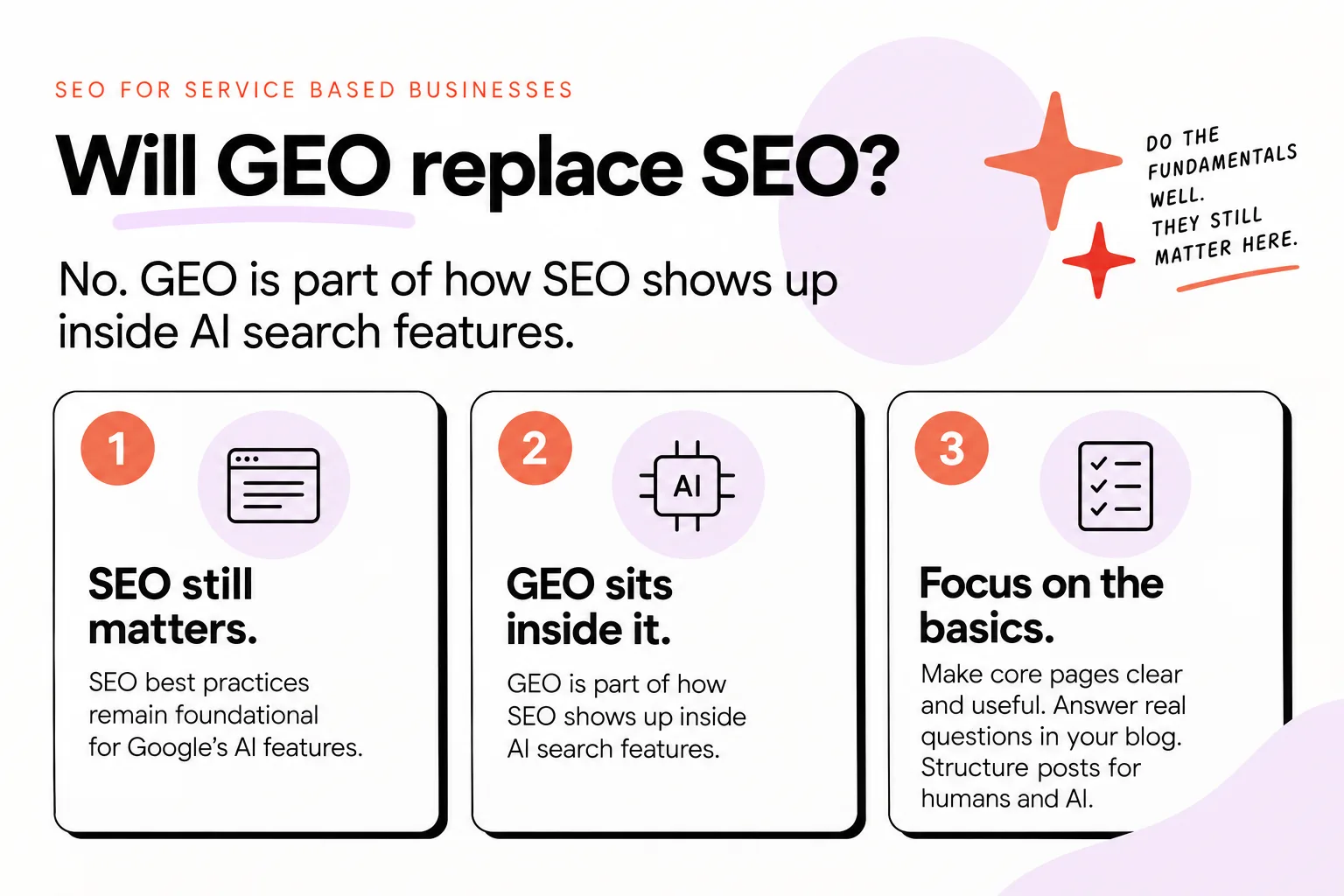
GEO is not replacing SEO.
It is part of how SEO shows up inside AI search features.
Google has been very direct about this.
John Mueller says the new Google resource on generative AI optimization exists because SEO best practices remain foundational for Google’s AI features.
So Google is not saying, “Forget everything, we have new rules.”
They are saying, “Do the fundamentals well, they still matter here.”
This matters for how you spend your time.
If you only have a few hours a month for marketing, you do not want to spend them:
- Rewriting every page for some speculative future.
- Chasing hacks that promise “featured in every AI answer box”.
You want to:
- Make sure your core pages (home, services, portfolio, contact) are genuinely clear and useful.
- Use your blog to answer real questions people have before they work with you.
- Structure those posts so humans and AI can both skim them.
That is the work that keeps paying off, even as the surfaces change.
If someone tells you “SEO is dead” and “only GEO matters now”, they are trying to sell you panic.
If you want a deeper dive into whether SEO is still worth it, I also wrote about how AI search is changing SEO.
But the short version is simple.
SEO still matters.
GEO sits inside it.
Your job is to do the boring-sounding parts well enough that you are future-proofed, instead of starting over every time Google ships a new feature.
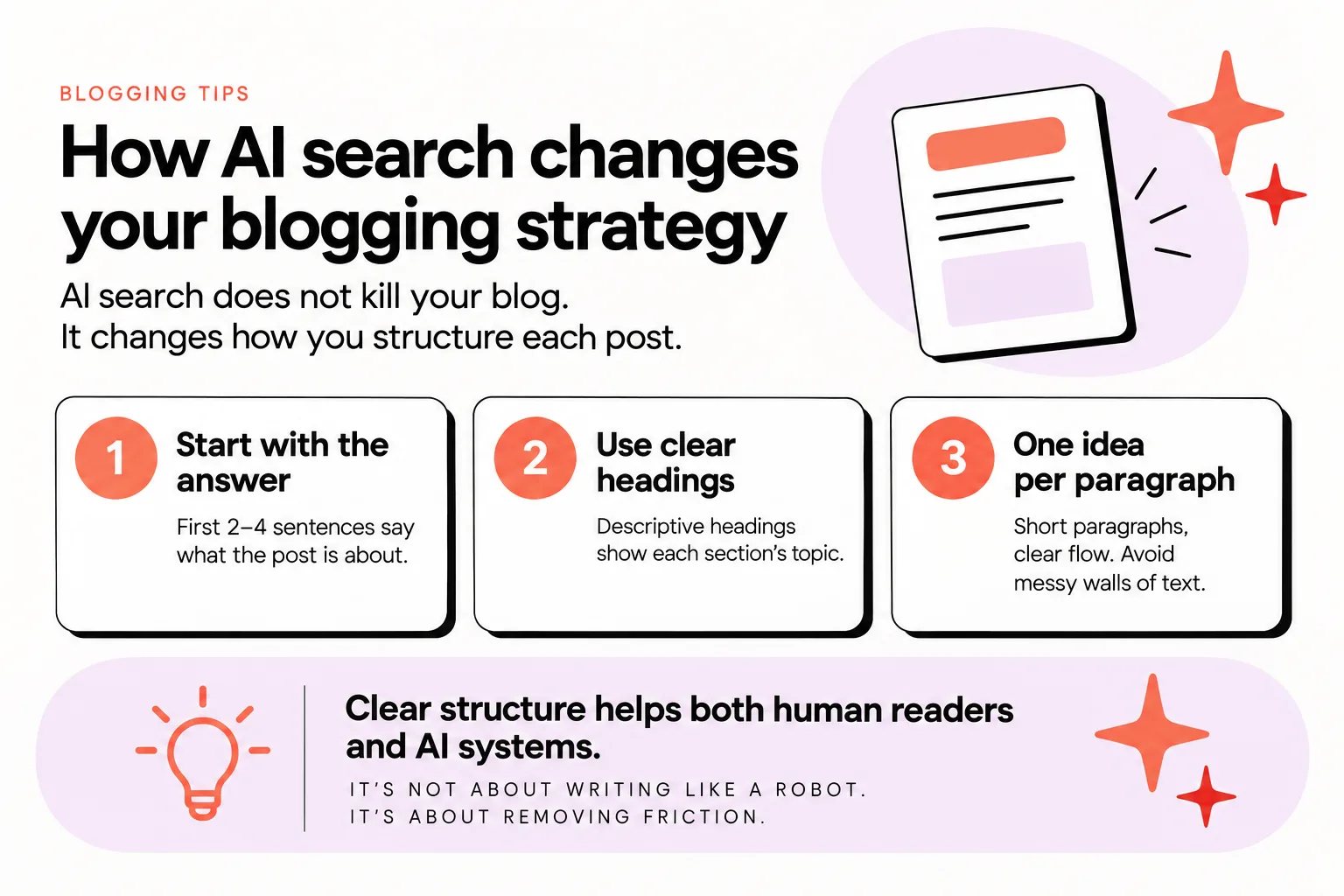
How AI search changes your blogging strategy
AI search does not kill your blog.
It changes how you structure each post.
You are now writing for two audiences at once:
- A human reader who scans, skims, and reads.
- Bot overlords that come and scan the page, then decide whether to summarize or cite you.
For every website and blog post, I write for humans but also for those bot overlords.
If a site is difficult to read or the structure does not make sense, bots will just move on to a competitor’s site.
Your reader will too.
So what does “AI-aware” blogging look like without making your posts stiff?
Think about each post like this:
- Start with the core question and answer.
First 2–4 sentences should say what the post is about and give a direct, basic answer. This helps both humans and AI understand the point fast.
- Use clear, descriptive headings.
Instead of “Thoughts” or “My process”, try “How I plan a brand shoot” or “Steps to book your website project”. This helps AI tools see each section’s topic.
- Keep one main idea per paragraph.
Short paragraphs, clear flow. Messy walls of text are confusing for scanning and for summarizing.
- Back up big claims with concrete details.
If you say something works better, explain how, even briefly. That supporting detail helps AI decide your content is useful, not fluffy.
- Make your expertise visible.
Use your real opinions, explain your reasoning, and make it clear what type of clients or projects you work on. AI tools are trying to judge trust, not just keywords.
AI is also affecting what people search for.
In one study, Semrush found that commercial-intent queries grew 71% in AI Overviews.
So people are not just asking “how to” questions.
They are using AI features while they are closer to hiring or buying.
That is good news for you.
If your posts explain your services, process, pricing philosophy, timelines, and what to expect, they are useful at that more commercial stage.
Clear structure helps both human visitors and AI systems that are crawling and summarizing content.
It is not about writing like a robot.
It is about removing friction.
Make it easy to read, and you usually make it easy for AI too.
If you are unsure about tools that can help with this, I have a guide to some of the best SEO tools for small businesses.
But tools are second.
Clarity and structure are first.
What to do this month with limited time and budget
Here is how I would prioritize your time over the next few weeks.
You can do this even if you only have a couple of hours.
1. Fix the basics on your key pages
Pick 3–5 core pages:
- Home
- Services / offers
- Portfolio or gallery
- About
- Contact
On each page, check:
- Title and main heading: Does the title explain what you do and for who, in plain language? Does the H1 match it closely?
- One main goal per page: Is it clear what you want the visitor to do next?
- Readable structure: Do you have logical headings and short paragraphs?
This is core SEO that also helps GEO.
2. Choose 3–4 “money questions” for your blog
Look at the last few clients you loved.
What did they ask in:
- Their first email?
- Your discovery call?
- Their nervous follow-up questions?
Turn 3–4 of those into blog topics.
These are the questions people and AI tools are likely to ask when they are closer to booking, not just dreaming.
3. Write posts that serve both humans and AI
For each post:
- Open with the question and a short, direct answer.
- Add a few sections that break down the details.
- End with what to do next if they want help.
Keep the language you actually use with clients.
Avoid over-explaining basic SEO ideas you already know; instead, go deeper into your craft and process.
If you are worried about using AI writing tools while doing this, I broke down the risks and benefits in is AI-generated content going to hurt my SEO.
Short version: AI can help, but your brain and judgment still shape the post.
4. Refresh one older post with structure
Pick an older blog that gets some traffic or that you share a lot.
Give it an “AI-aware” polish:
- Add a 2–3 sentence intro that states the question and answer clearly.
- Tidy the headings so they are descriptive.
- Break up long paragraphs.
- Clarify who the post is for.
You do not have to start from zero.
Updating is often faster and more powerful than creating new content in a rush.
5. Decide what to keep doing yourself
After a month of this, you should know:
- Which tasks you do not mind owning (maybe planning topics or editing).
- Which tasks you keep avoiding (maybe drafting or doing keyword research).
Those avoided tasks are your sign you might want help.
If you want done-for-you posts that still sound like you, Fasta Blogging can handle the strategy and drafting, then send you polished posts to approve.
Every post is built from your expertise, drafted with AI, and reviewed by a human SEO specialist before it reaches you, for $125 a month and about 20 minutes of your time.
When you are ready to take blog writing off your plate without dropping your visibility, you can Let Fasta Blogging write your posts.


