
TL;DR
The best tools for Showit websites help with SEO, blog design, email capture, analytics, user behaviour, image optimisation, content creation and client workflows.
Here are the 10 tools I recommend:
☐ FastaSEO for Showit SEO.
☐ Rise Plugins for styling your Showit WordPress blog.
☐ BDOW for pop-ups and forms.
☐ Flodesk for email marketing.
☐ Hotjar for seeing how people use your website.
☐ Google Analytics for tracking website data.
☐ Loom, Zight or Komodo for screen recording.
☐ Lovable or Base44 for creating custom tools and simple apps.
☐ TinyPNG or FastaSEO for image optimisation.
☐ Custom GPT for brand voice, copywriting and content support.
If you only start with one, make it FastaSEO.
FastaSEO is the only SEO tool built specifically for Showit. It checks your site page by page and helps you fix the issues generic tools miss, including headings, images, metadata, broken links, schema and Showit-specific SEO problems.
A beautiful Showit site is a good start.
A beautiful Showit site that can be read by search and AI is much better.

Introduction
Showit gives you the design freedom most website builders dream of.
But a beautiful website still needs the right tools behind it.
You need SEO. Email marketing. Analytics. Image optimisation. Blog styling. Pop-ups. Screen recording. A few smart extras that make your workflow easier and your website better.
The right stack makes your Showit site faster, cleaner and easier to grow.
Here are 10 of the best tools for Showit users, especially if you want your site to look good, work properly and get found in search and AI.
1. FastaSEO
Best for: Showit SEO
Link: https://fastaseo.io/
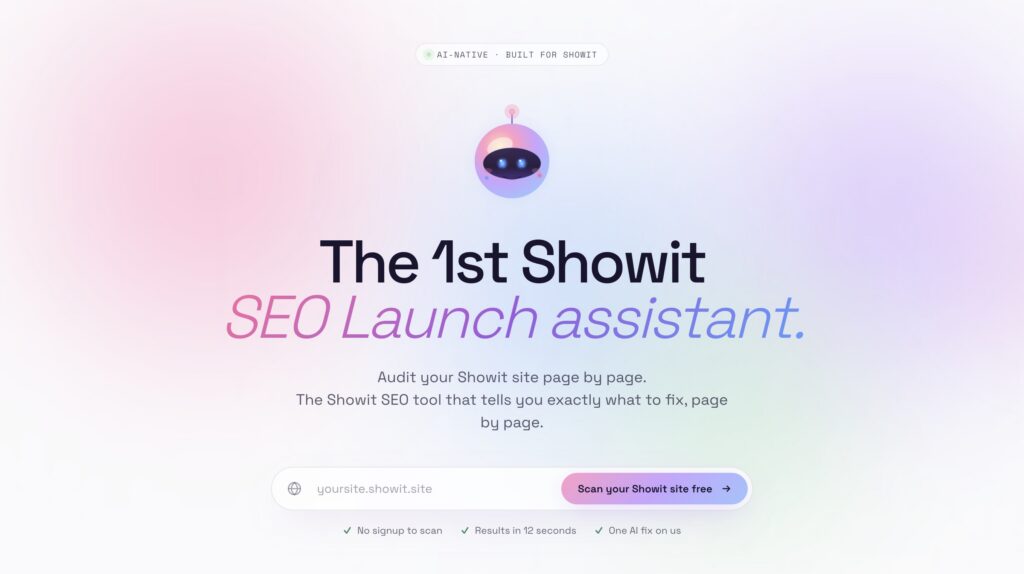
FastaSEO is the only SEO tool built specifically for Showit.
Most SEO tools are built for everyone, which usually means they are not built properly for Showit. They can give you a long list of generic issues, but they often miss the platform-specific problems that actually matter.
FastaSEO was built for Showit from the beginning by an SEO specialist so you know it’s actually useful/
It helps you check your site page by page and find on page and technical SEO issues such as:
☐ Missing page titles.
☐ Weak meta descriptions.
☐ Heading structure problems.
☐ Showit layer order issues.
☐ Image SEO problems.
☐ Oversized images.
☐ Missing alt text.
☐ Broken buttons and links.
☐ Schema gaps.
☐ Social sharing image issues.
The best part is that it does not just tell you something is wrong.
It tells you what to fix.
If you have a Showit website, this is the tool I would start with.
Your Showit site is beautiful. FastaSEO helps make sure search and AI can read it too.
Check out our article: The Ultimate Showit SEO Checklist for more help with Showit SEO.
2. Rise Plugins
Best for: Styling your Showit WordPress blog
Link: Rise Plugin
Showit websites use WordPress for blogging.
That is powerful, but it can also be annoying when your blog does not look as good as the rest of your site.
That is where Rise Plugins comes in.
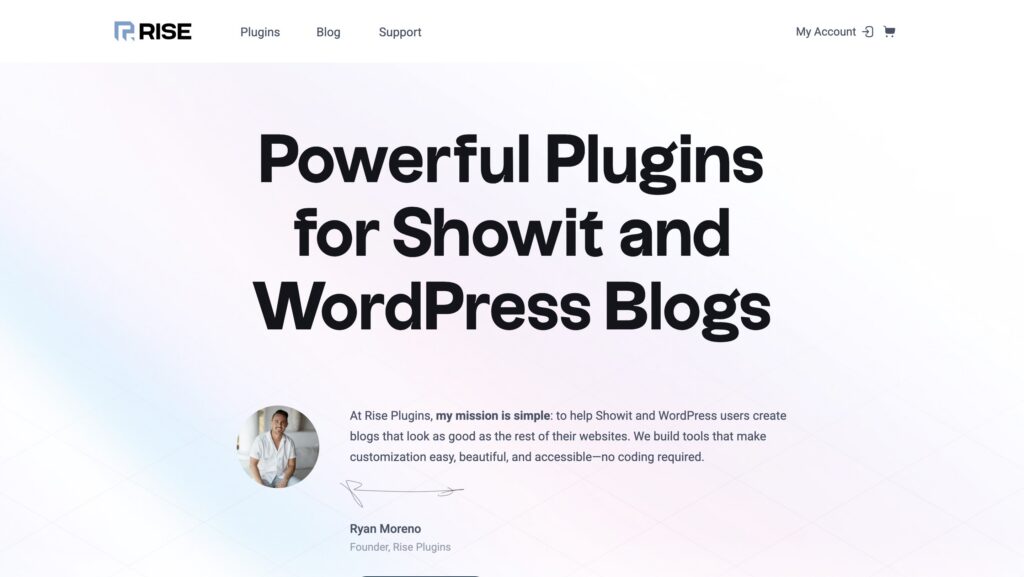
Rise Plugins helps Showit and WordPress users create better-looking blogs without needing to code. If you want your blog layout, categories, featured posts or blog experience to feel more polished, this is worth looking at.
This is especially useful for Showit users who care about design but do not want their blog to feel like a forgotten WordPress corner.
Use Rise Plugins if your main Showit site looks beautiful but your blog needs a glow-up.

3. BDOW
Best for: Pop-ups and forms
Link: https://bdow.com/
BDOW is the pop-up and form tool built by Showit.
It helps you turn website visitors into email subscribers, leads and customers with forms and pop-ups that actually look good.
This matters because traffic alone is not enough.
If someone lands on your website and leaves without joining your list, enquiring or buying, you have lost the chance to keep the conversation going.
BDOW is useful for:
☐ Freebie opt-ins.
☐ Newsletter sign-up forms.
☐ Exit-intent pop-ups.
☐ Launch announcements.
☐ Lead generation forms.
☐ Simple website conversion points.
It also has a free forever plan, which makes it an easy place to start.
A pretty site is nice.
A pretty site that grows your list is better.

4. Flodesk
Best for: Email marketing
Link: https://flodesk.com
Once you start collecting email addresses, you need somewhere to send those emails.
My pick is Flodesk.
Flodesk is a beautiful email marketing platform that works especially well for creative businesses. The templates are clean, the builder is easy to use and the emails actually look like something a designer would send.
Use Flodesk for:
☐ Welcome sequences.
☐ Freebie delivery.
☐ Newsletters.
☐ Launch emails.
☐ Client nurture sequences.
☐ Simple automations.
A Showit site should not just sit there looking good.
It should help people move closer to working with you.
Email marketing is where that relationship continues.

5. Hotjar
Best for: Seeing how people use your site
Link: https://www.hotjar.com/
Google Analytics tells you what people did.
Hotjar helps you see how people behaved.
With tools like heatmaps and recordings, you can see where visitors click, how far they scroll and where they might be getting stuck.
This is incredibly helpful if you are trying to improve conversions.
For example, you might discover:
☐ People are not scrolling far enough to see your offer.
☐ Visitors are clicking something that is not a button.
☐ Your contact button is being missed.
☐ A section looks good but is being ignored.
☐ Your mobile layout is confusing.
This is the kind of information you cannot get from guessing.
Use Hotjar when you want to improve your Showit website based on real behaviour, not vibes.

6. Google Analytics
Best for: Tracking website data
Link: https://developers.google.com/analytics
Set up Google Analytics.
Even if you do not understand it yet.
Even if you never look at it.
Even if the dashboard makes you want to close the laptop.
Set it up anyway.
Google Analytics gives you important website data, including where your traffic comes from, which pages people visit and how users move through your site.
You may not use that information today.
But future you might.
An SEO specialist, web designer or marketing consultant can use that data later to make much better decisions.
Without analytics, you are guessing.
With analytics, you have a record of what actually happened.
Set it up early. Thank yourself later.

7. Loom, Zight or Komodo
Best for: Screen recording
Link: https://zight.com/
Screen recording tools are so useful for Showit users.
Whether you are a designer, SEO specialist, client or DIY site owner, sometimes it is just easier to show the thing than explain the thing.
Tools like Loom, Zight and Komodo let you record your screen, talk through what you are seeing and share the video with a link.
Use screen recording for:
☐ Website feedback.
☐ Client handovers.
☐ SEO audits.
☐ Design revisions.
☐ Bug reports.
☐ Showing someone where to click.
☐ Explaining Showit edits.
If you work with clients, this is one of those tools that makes you look more professional instantly.
A five-minute screen recording can save 15 emails.
8. Lovable or Base44
Best for: Creating custom tools or simple apps
Link: https://base44.com/
This one is not essential for every Showit user.
But it is very exciting.
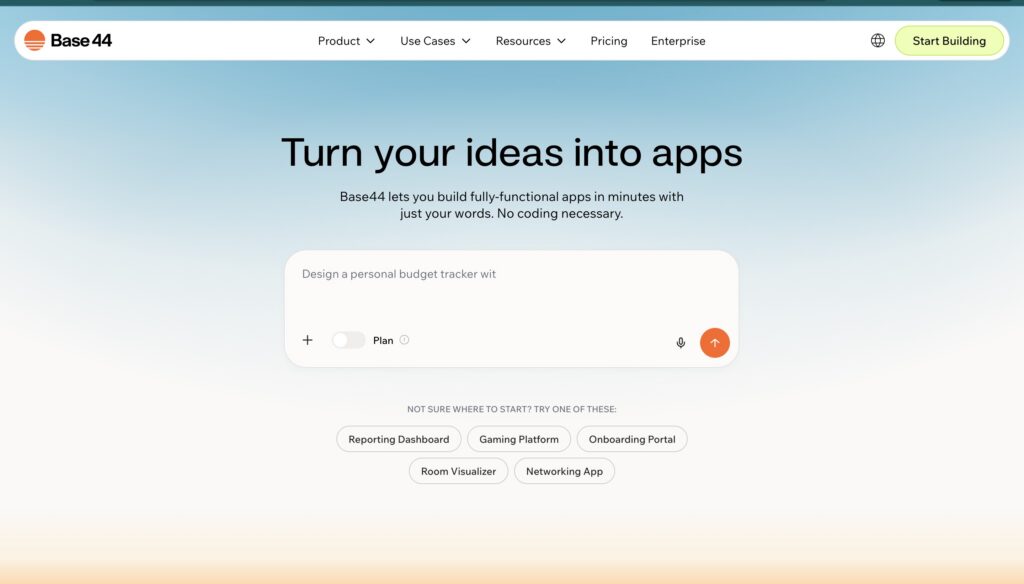
AI app builders like Lovable and Base44 let you create custom tools, dashboards, portals or internal systems without starting from scratch with traditional development.
For Showit users, this opens up interesting possibilities.
You could create:
☐ A custom resource library.
☐ A client portal.
☐ A booking support tool.
☐ A content planner.
☐ A calculator.
☐ A mini CRM.
☐ A lead qualification tool.
☐ A custom CMS workflow.
Then you can link to it from your Showit site or embed parts of it where appropriate.
This is not something I would recommend before your basic website and SEO are sorted.
But for more advanced business owners and designers, it can be powerful.
Showit handles the beautiful front end.
AI app builders can help you create the custom backend experience.

9. TinyPNG
Best for: Free image compression
Link: https://tinypng.com/
Images are one of the biggest reasons Showit websites get slow.
If your images are too large, your site has to work harder than it should. That affects load time, user experience and SEO.
TinyPNG is a simple free tool that compresses images before you upload them.
Use it when you want to reduce file size without making your images look terrible.
That said, image optimisation is not just compression.
You also need to think about:
☐ Image size.
☐ File format.
☐ Filename.
☐ Alt text.
☐ Display quality.
☐ Whether the image is too large for the space.
For a free option, TinyPNG is helpful.
For a more complete Showit image SEO workflow, use FastaSEO. It helps with image resizing, compression, renaming, reformatting and alt text so a job that can take minutes per image takes seconds instead.
TinyPNG is good.
FastaSEO is better when you want the whole Showit image SEO job done properly.
To learn more about showit images check out article article, Showit Images SEO: The Complete Guide to Optimising Images for Search and AI
10. Custom GPT
Best for: Brand voice and content support
Link: https://chatgpt.com/
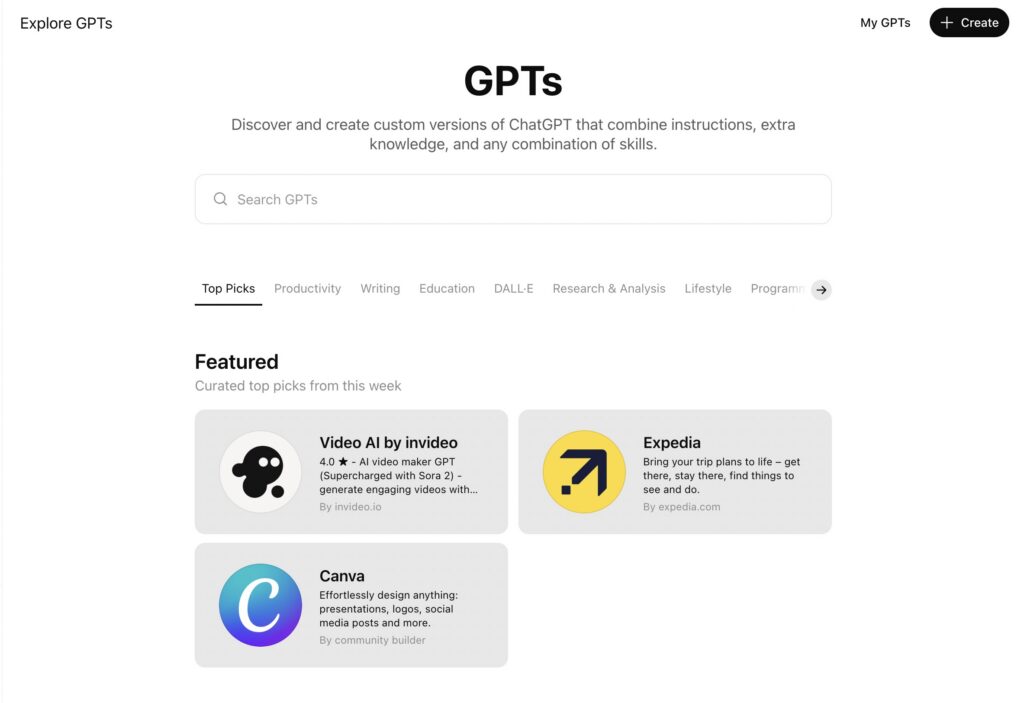
A Custom GPT is one of the best tools you can create for your business.
Instead of opening a blank ChatGPT conversation every time, you can create a version that understands your business, tone of voice, offers, audience and content style.
Use it as your:
☐ Blog assistant.
☐ Email copywriter.
☐ Social caption writer.
☐ SEO content helper.
☐ Sales page reviewer.
☐ Brand voice checker.
☐ Repurposing assistant.
For a Showit business owner, this is especially useful because your website content, emails and social posts should all sound like the same brand.
A Custom GPT helps keep that consistent.
It does not replace your brain.
It just stops you starting from zero every time.
Bonus tool: GoFullPage
Best for: Full-page screenshots
Link: https://chromewebstore.google.com/detail/gofullpage-full-page-scre/
This is technically a bonus, but I use it all the time.
GoFullPage is a Chrome extension that captures a full-page screenshot of a website.
It is very handy for:
☐ Website audits.
☐ Design feedback.
☐ Client reviews.
☐ Before and after comparisons.
☐ Portfolio screenshots.
☐ Saving inspiration.
☐ Showing layout issues.
If you are a designer, SEO specialist or anyone who reviews websites often, this is one of those tiny tools that becomes part of your daily workflow.
The best Showit tool stack
If I were setting up a Showit website properly, this is where I would start:
☐ FastaSEO for Showit SEO.
☐ Rise Plugins for a better-looking blog.
☐ BDOW for pop-ups and forms.
☐ Flodesk for email marketing.
☐ Google Analytics for tracking.
☐ Hotjar for user behaviour.
☐ TinyPNG or FastaSEO for image optimisation.
☐ Loom, Zight or Komodo for screen recording.
☐ A Custom GPT for content and brand voice.
☐ GoFullPage for screenshots and audits.
You do not need every tool on day one.
But you do need the basics.
Start with SEO, analytics, email capture and image optimisation.
That gives your Showit site the best chance of being found, understood and turned into actual enquiries.
Because a beautiful Showit site is lovely.
A beautiful Showit site that gets found, loads fast and converts?
Much better.
FAQs
What is the best tool for Showit websites?
The best tool for Showit websites is FastaSEO.
FastaSEO is the only SEO tool built specifically for Showit. It checks your site page by page and helps you find the issues that actually matter, including image SEO, heading structure, metadata, broken links, schema and Showit-specific quirks that generic SEO tools often miss.
If you want your Showit site to get found in search and AI, start with FastaSEO.
What tools do I need for a Showit website?
At minimum, I recommend using tools for SEO, analytics, email capture and image optimisation.
A good starter stack would be:
☐ FastaSEO for Showit SEO.
☐ Google Analytics for tracking.
☐ BDOW for pop-ups and forms.
☐ Flodesk for email marketing.
☐ TinyPNG or FastaSEO for image optimisation.
You can add tools like Hotjar, Rise Plugins, Loom and GoFullPage as your website grows.
Is FastaSEO worth it for Showit users?
Yes, especially if you care about SEO.
Showit gives you design freedom, but it does not walk you through every SEO issue on your site. FastaSEO checks your website page by page and shows you what needs fixing.
It is especially useful for designers, DIY site owners and creative businesses who want real SEO without manually checking every detail themselves.
Can I use Yoast or Rank Math with Showit?
Yes, but mainly for your WordPress blog.
Showit websites use WordPress for blogging, so tools like Yoast or Rank Math can help with blog post SEO. However, they do not fully audit your main Showit website pages in the way FastaSEO does.
That is why I recommend using FastaSEO for your Showit pages and your preferred SEO plugin for your blog.
What is the best email marketing tool for Showit?
My favourite email marketing tool for Showit users is Flodesk.
It is easy to use, looks beautiful and works well for creative businesses. You can use it for newsletters, welcome sequences, freebie delivery, launch emails and simple automations.
What is BDOW used for?
BDOW is used for pop-ups and forms.
It was built by Showit to help website owners turn visitors into subscribers, leads and customers. You can use it for opt-in forms, pop-ups, announcements and lead generation.
Do I need Google Analytics on my Showit website?
Yes.
Even if you do not understand all the data yet, you should still set up Google Analytics. It tracks how people find and use your website, which gives you valuable information for future SEO, content and marketing decisions.
Without analytics, you are guessing.
What is the best tool for improving my Showit blog design?
Rise Plugins is a great option for improving the design and functionality of your Showit WordPress blog.
It helps make your blog feel more polished and connected to the rest of your Showit site, instead of looking like the forgotten WordPress corner.
What is the best free image optimisation tool?
For basic free image compression, TinyPNG is a good option.
However, image optimisation is not just compression. You also need to resize images, use the right file type, rename files, add alt text and check display quality.
For a more complete Showit image SEO workflow, I recommend FastaSEO.
Are screen recording tools useful for Showit designers?
Yes.
Tools like Loom, Zight and Komodo are very useful for website designers, SEO specialists and client communication. You can use them to record audits, explain edits, give feedback or create handover videos.
A short screen recording can often replace a long email thread.
Is Hotjar useful for Showit websites?
Yes, if you want to understand how people actually use your website.
Hotjar can show heatmaps, scroll behaviour and recordings so you can see where visitors click, where they stop and what they ignore. This helps you improve your Showit site based on real behaviour, not guesses.
Do I need every tool on this list?
No.
Start with the essentials first: SEO, analytics, email capture and image optimisation.
Once those are in place, you can add tools for behaviour tracking, blog styling, screen recording, screenshots and AI-powered workflows.


